Cokian Photon D10
Safe use, quick setup, and warranty.
You reached this page from the code on your Photon D10 packaging. Everything here is short on purpose. Read the safety notes once; they keep the product working for years.
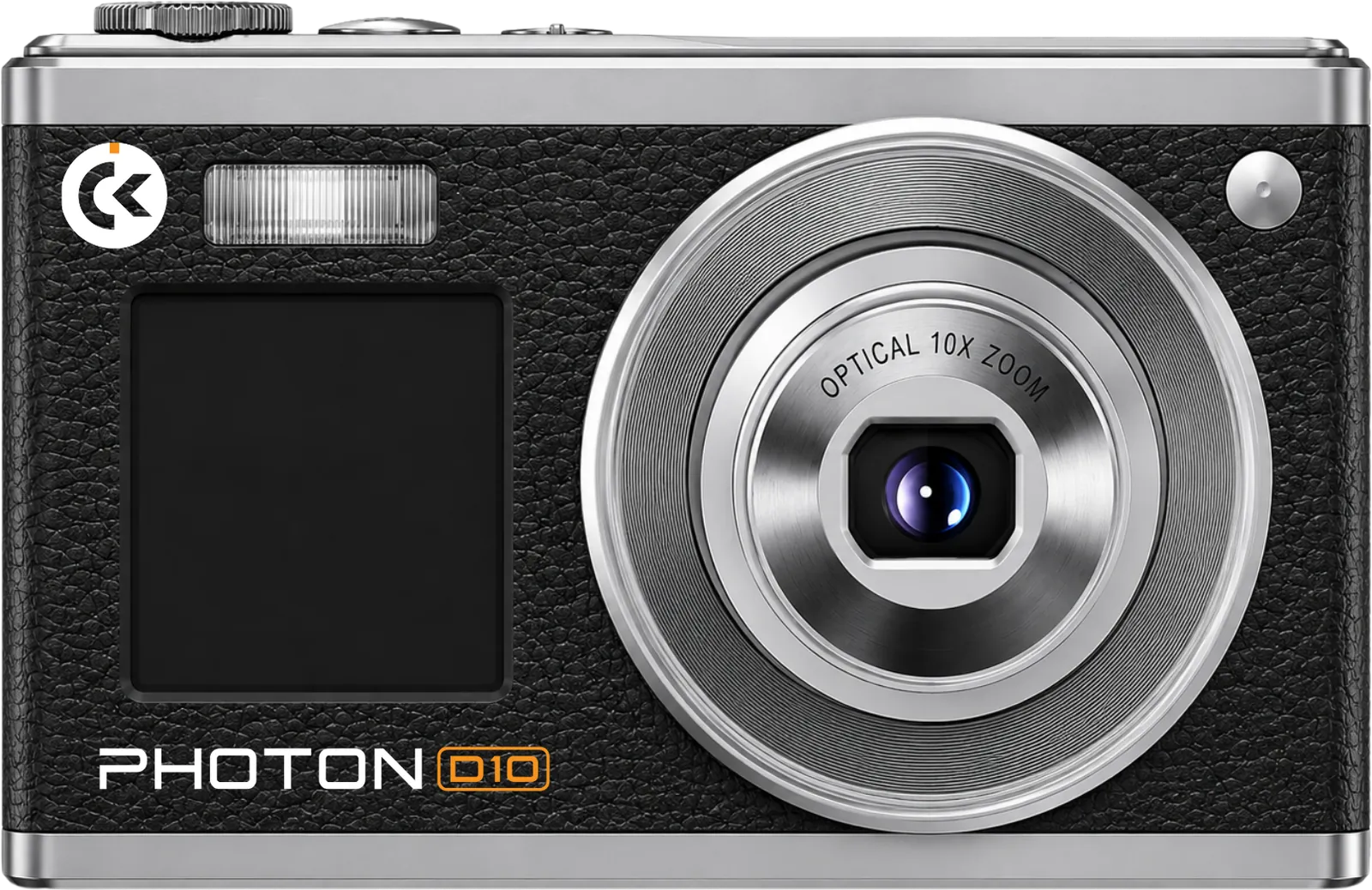
Quick setup
Before the first use
- Charge the battery fully before first use, using the supplied cable.
- Insert the battery the right way round; check the marking inside the battery cover.
- Insert an SD card and format it in the camera before the first shoot. Formatting erases the card, so back up anything on it first.
- Turn the camera on with the power button, and use the T and W keys to zoom.
- To copy photos to a computer, connect the cable and choose storage mode on the camera.
Safe use
Keep it working, keep it safe
- Keep the camera dry. Do not use it in rain or near water, and do not leave it in a hot car or in direct sun.
- Do not touch the lens with your fingers. Blow dust and sand off first, then wipe with a soft lens cloth.
- Use only the supplied cable and a standard USB charger. Stop charging if the camera gets hot.
- Take the battery out if you will not use the camera for a long time.
- Do not remove the SD card while the camera is saving a file.
- Keep the camera away from strong magnets and away from small children.
- Do not open or repair the camera yourself. Bring it to the seller.
Warranty
Warranty terms
- Cokian products come with a 3-month limited warranty from the date of purchase, covering defects in materials and workmanship under normal use.
- 7-day replacement: if your camera has a defect within 7 days of purchase, bring it back with the receipt and the complete packaging and the seller replaces it with a new unit instead of repairing it.
- To make a claim, bring the product, your official receipt, and the packaging to the seller you bought it from. The seller checks the product and arranges repair or replacement.
- During the warranty period, a product confirmed to have a manufacturing defect will be repaired or replaced with the same or an equivalent model at no charge.
- The warranty does not cover damage from drops, water, heat, misuse, unauthorised repair or opening, use with incompatible chargers or cards, or normal wear such as scratches and battery ageing.
- Memory cards: the warranty covers the card itself. Back up your files; lost data is not covered.
- Consumables and accessories such as cables, straps, and packaging are not covered.
- This warranty is in addition to your rights under Philippine consumer law, including the Consumer Act of the Philippines (Republic Act No. 7394).
Questions about a product, a warranty claim, or a purchase? Bring it to the seller first, or email [email protected]. Dealers: [email protected]. Collaborations: [email protected].
Where to buy Cokian